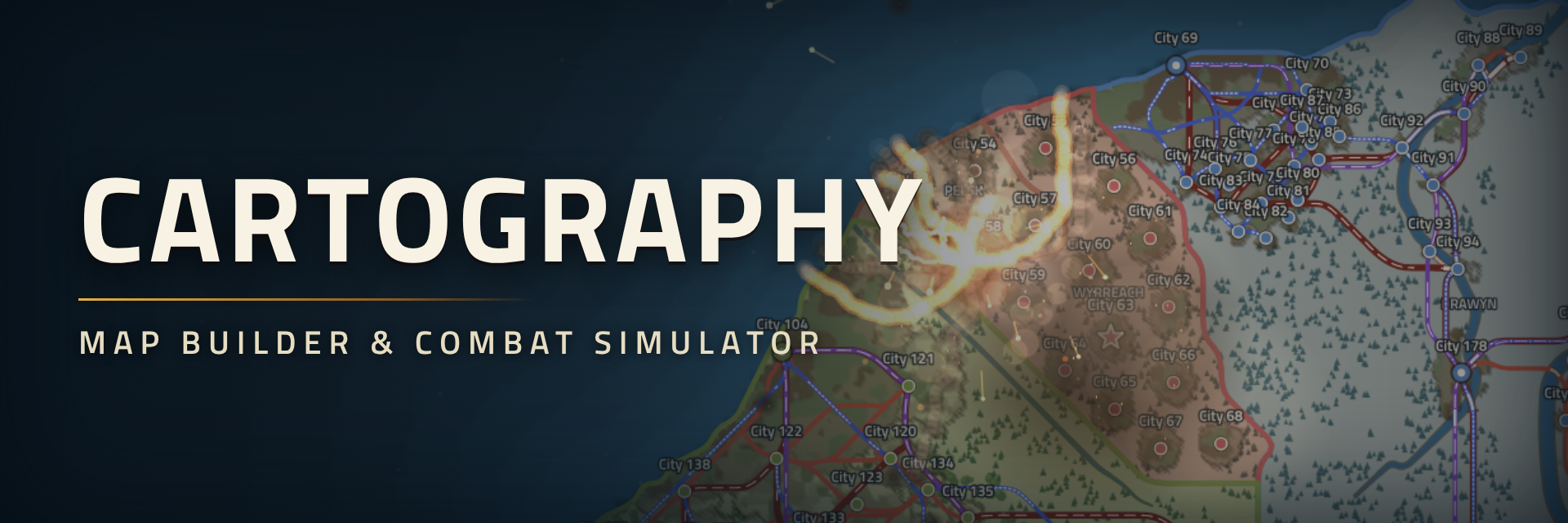
Cartography
Draw a world, then put it through some history.
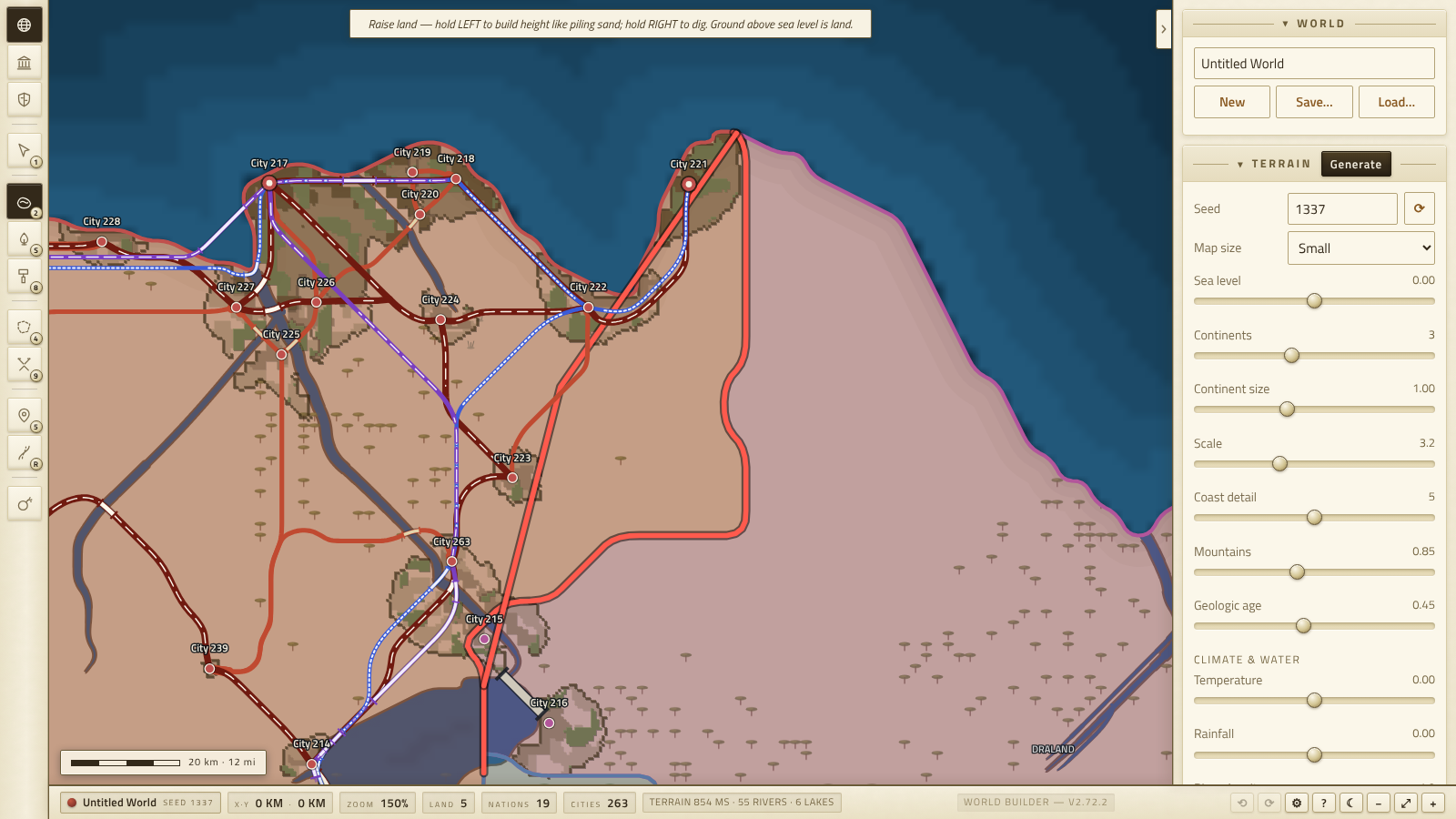
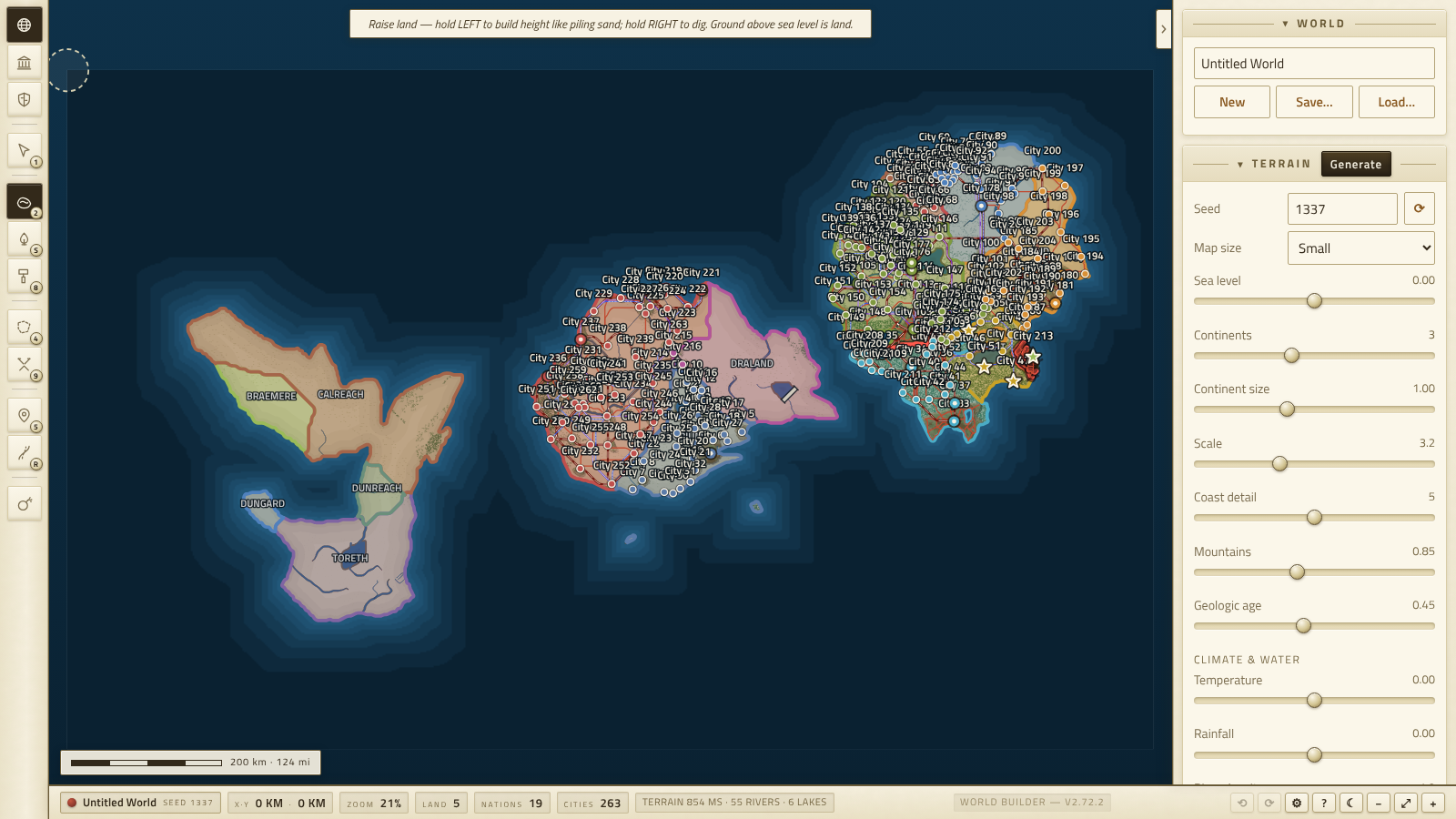
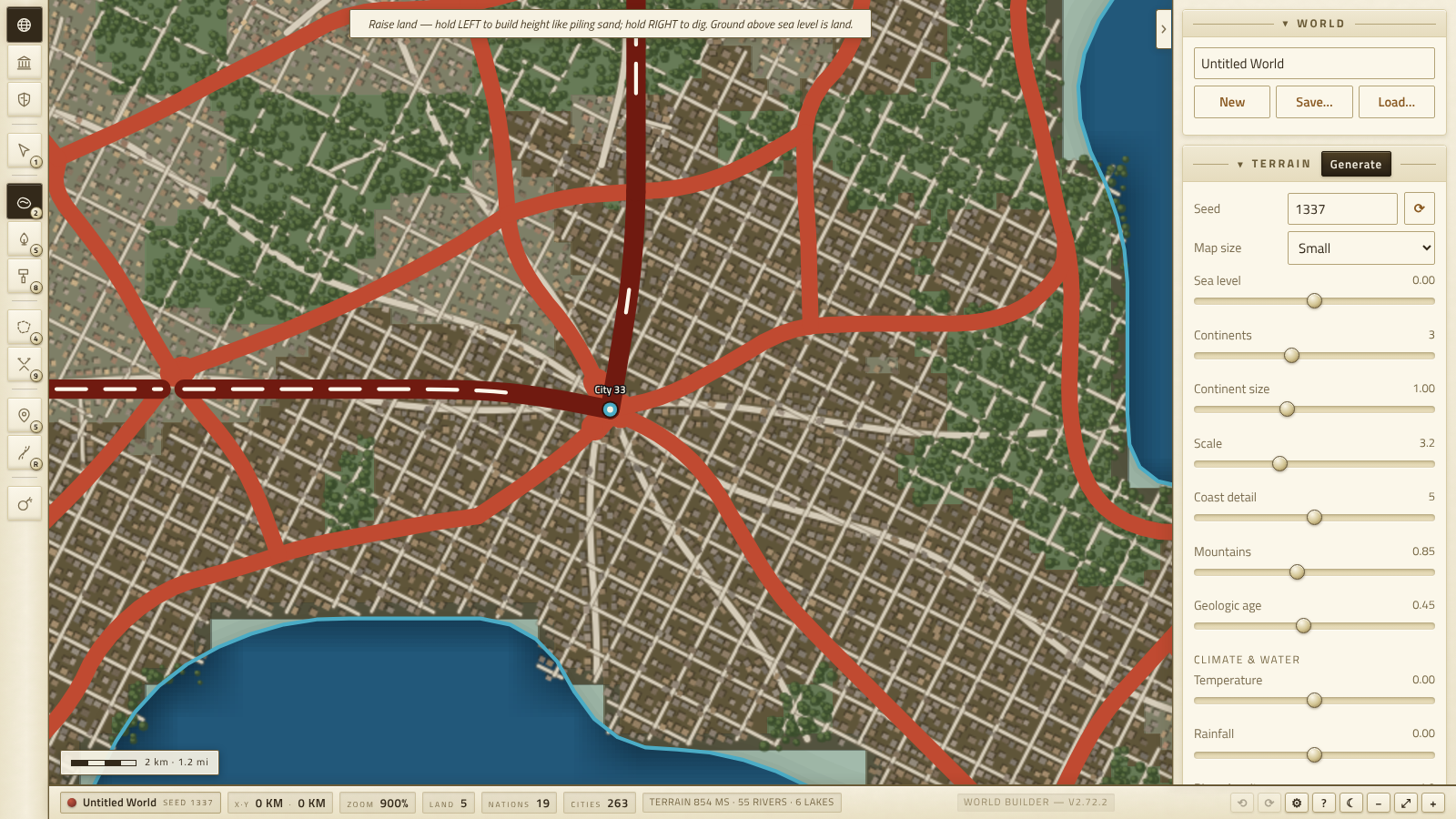
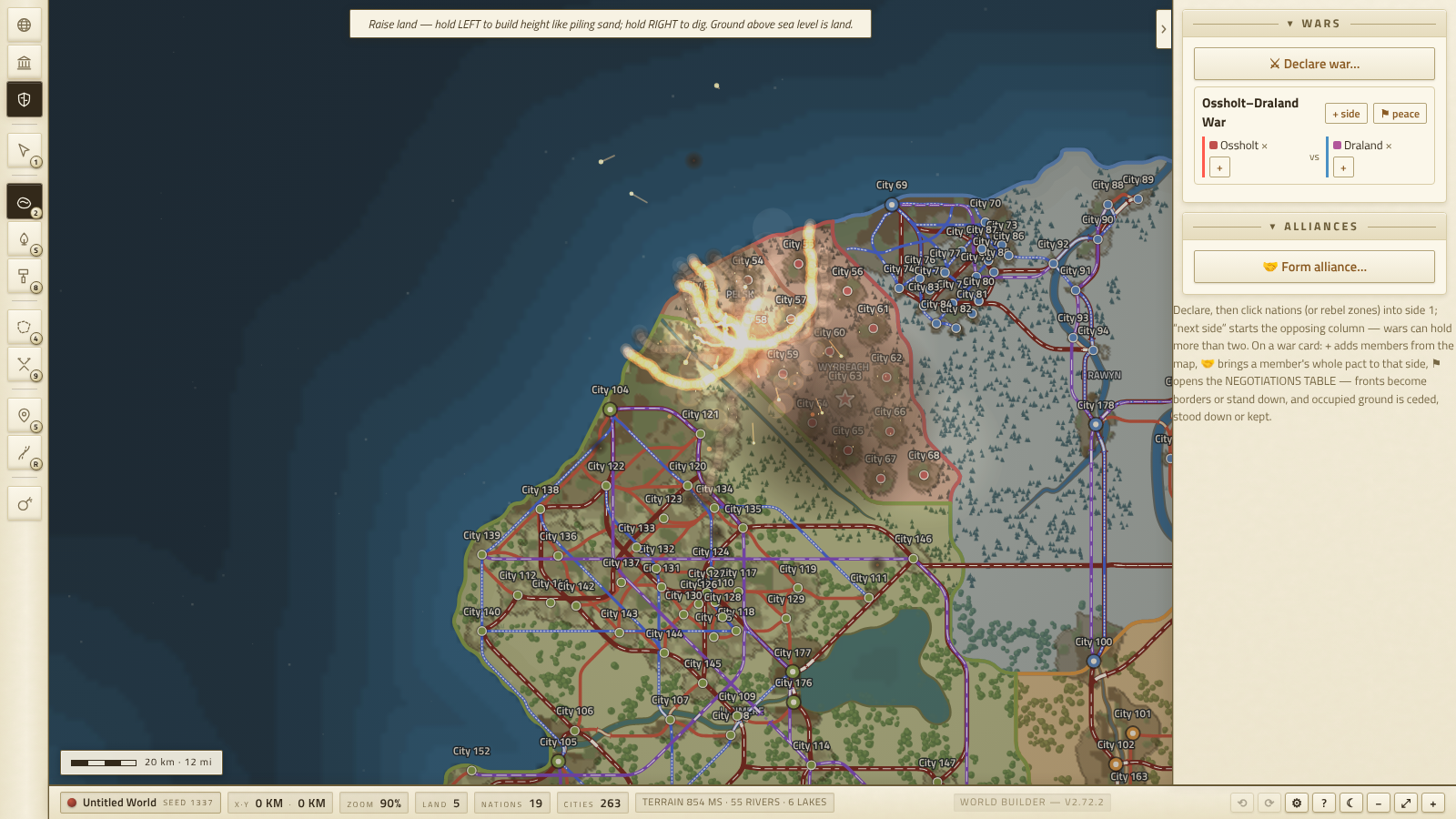
This started as a map toy and kinda got out of hand. You sculpt terrain and the rivers figure out where to go on their own. You drop cities and they grow real streets and buildings — zoom all the way in, they're actually there. Draw borders, shove them around, declare wars with as many sides as you want, then end them at a negotiations table that shows you exactly what you're giving up before you sign.
Currently running on HTML for the proof of concept but the Itch release is my cue to start porting to Godot for a full release. More on that a little further down.
What's in it
- Real terrain. Six sculpting brushes on an actual height field — rivers run downhill, basins turn into lakes, and if you dam a valley it floods like it should.
- Cities with real layouts. Street grids, plots, one building per plot. A big metro is over a thousand buildings and they don't pile up on each other.
- Nations you can paint on, auto-fill from your cities, or just shove around. Push a border and the stretch next to it follows like string.
- Wars with actual sides, not just red vs blue. Alliances that fall apart when you turn on a pact-mate. Rebellions that can win and become their own country.
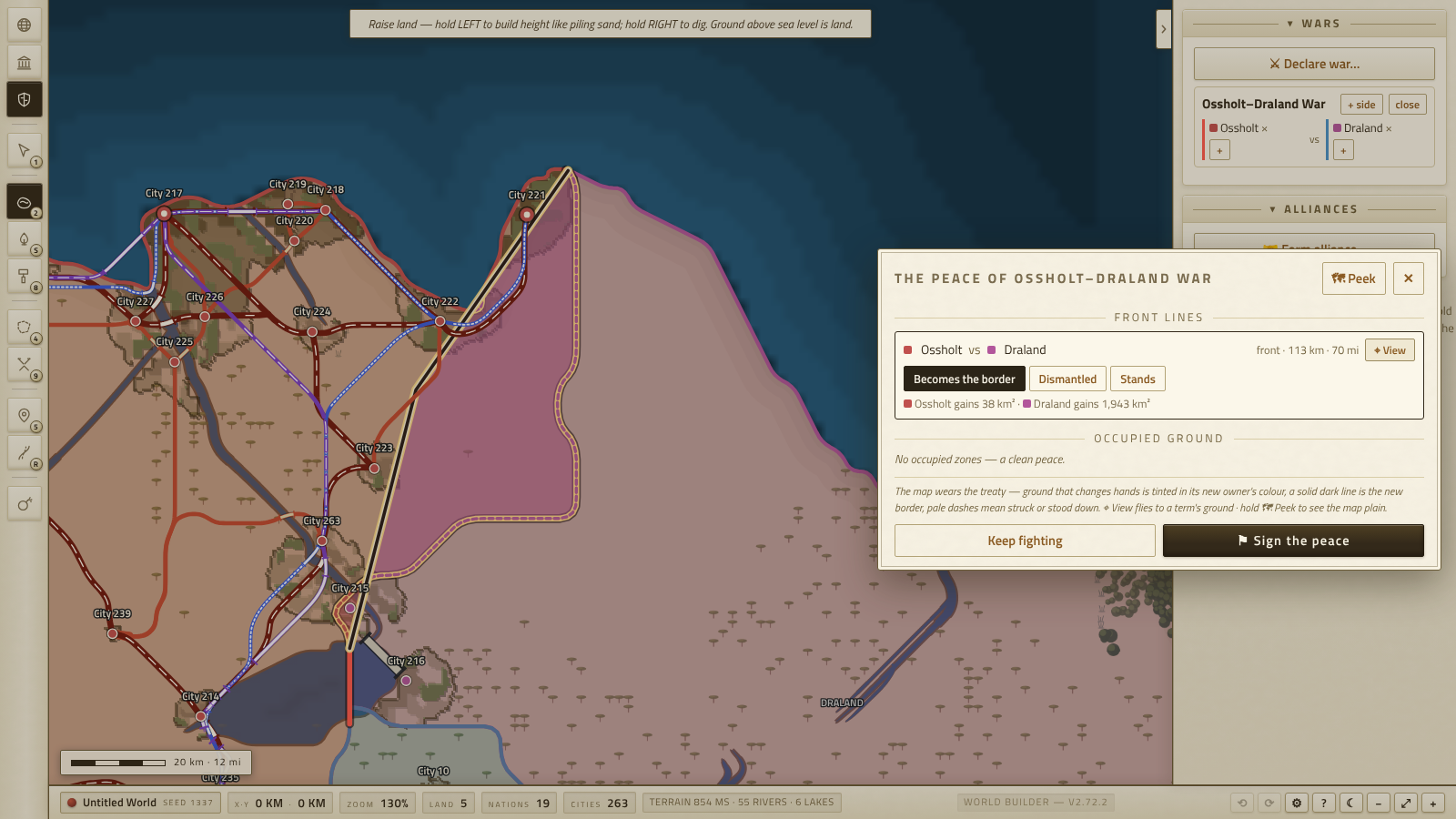
- Peace that costs something. Every front line and occupied zone becomes a term at the table — the map paints what changes hands and counts the km² before you sign.
- A weapons drawer, up to a VEI 8 eruption that darkens the whole sky. All of it is visual, all of it heals, none of it touches your save.
- Roads through high-speed rail that pick their own routes across your terrain, tunnels and all.
Planned
No promises on the order, but this is where it's headed:
- A timeline and event log — wars, treaties and disasters on a scrubbable history of your world.
- War names on the map, and warzones that actually belong to their wars.
- Reversible front lines at the peace table, so you can hand back the ground you took.
- Ports, and military assets you can place and move.
- City looks that follow the era you're in.
- Eruptions that permanently reshape the terrain instead of healing.
- Population simulation — cities that grow and shrink on their own.
- War and political autopilot — nations that declare, fight and settle without you, so you can sit back and watch history happen. Or meddle.
- Further out: an engine rewrite with a tilted, spinnable 3D camera.
The bigger simulation stuff is planned to line up with a Steam release down the road.
How to play
The game walks you through all of this with a built-in tour the first time you open it. Here's the paper version. (Written to ASD-STE100 Simplified Technical English, as close as the game's own vocabulary allows.)
1. Make land. The game makes a world when it starts. To get a new world, click Generate in the World panel. Or make the land yourself: select the Sculpt tool (key 2). Hold the left mouse button to make the ground higher. Hold the right mouse button to make the ground lower. Ground that is higher than the sea level becomes land.
2. Add water. Select the River source tool (key S). The dashed line shows the path the river will take. Click a point on high ground to place the river. The river flows down to the sea. To control the path of a river, first cut a valley with the Carve tool (key C). To build a dam, select the Dam tool (key D) and move the cursor along a river valley. An amber bar shows a correct position for the dam. Click to build the dam. Water collects behind it.
3. Paint the land cover. Select the Biome tool (key 8). Drag the cursor across the land to paint forests, deserts, or other land cover. Or open the World panel and use the climate controls. The climate controls set the land cover from the temperature and the rainfall.
4. Add cities. Select the City tool (key 5). The shape below the cursor shows the area of the new city. Click to place the city. Zoom in to see the streets and the buildings.
5. Draw nations. Select the Border tool (key 4). Drag the cursor to claim territory for a nation. Or place some cities first, then open the Political panel and click Auto-fill. Auto-fill makes nations around your cities. To move a border, select the Push tool (key 7) and drag the border.
6. Build networks. Select the Network tool (key R). Click a city, then click a different city. The game finds a route between the two cities. Use the panel to select trails, roads, rail, or high-speed rail.
7. Start a war. Open the Conflicts panel (⚔). Click Declare war. Click nations to put them on side 1. Click next side, then click the nations for side 2. A war can have more than two sides. Select the Warzone tool (key 9) and drag the cursor across the contested ground. Borders between enemies show in red. To draw a front line, select the Front line tool (key L).
8. End the war. On the war card, click ⚑. The negotiations table opens. Each front line and each occupied zone is a term of the peace. The map shows the ground that changes owner, and the table shows its area. Hold 🗺 Peek to see the map without the table. Click ⌖ View on a term to move the camera to its ground. Click Sign the peace to apply all the terms.
9. Save your world. Open the World panel. Click Save. The game saves the full world as one .json file. Click Load to open a saved world.
And when you want to watch something happen, the 💣 button opens the arsenal. The effects are visual only. They repair themselves, and they do not change your saved world.
Controls
Drag the map to pan. Use the mouse wheel to zoom. Hold Space and drag, or drag with the right mouse button, to pan from any tool. Keys 1–9 and the letter keys select the tools; point at a tool button to see its key. Push Ctrl+Z to undo the last change. Push Del to remove the selection. Push F to fit the full map in the view. Push Esc to stop the current action. The ? button shows the full key list and the tour.
Notes
- One file, runs in the browser.
- Saves are plain .json and keep working across versions.
- Built for desktop and a mouse.